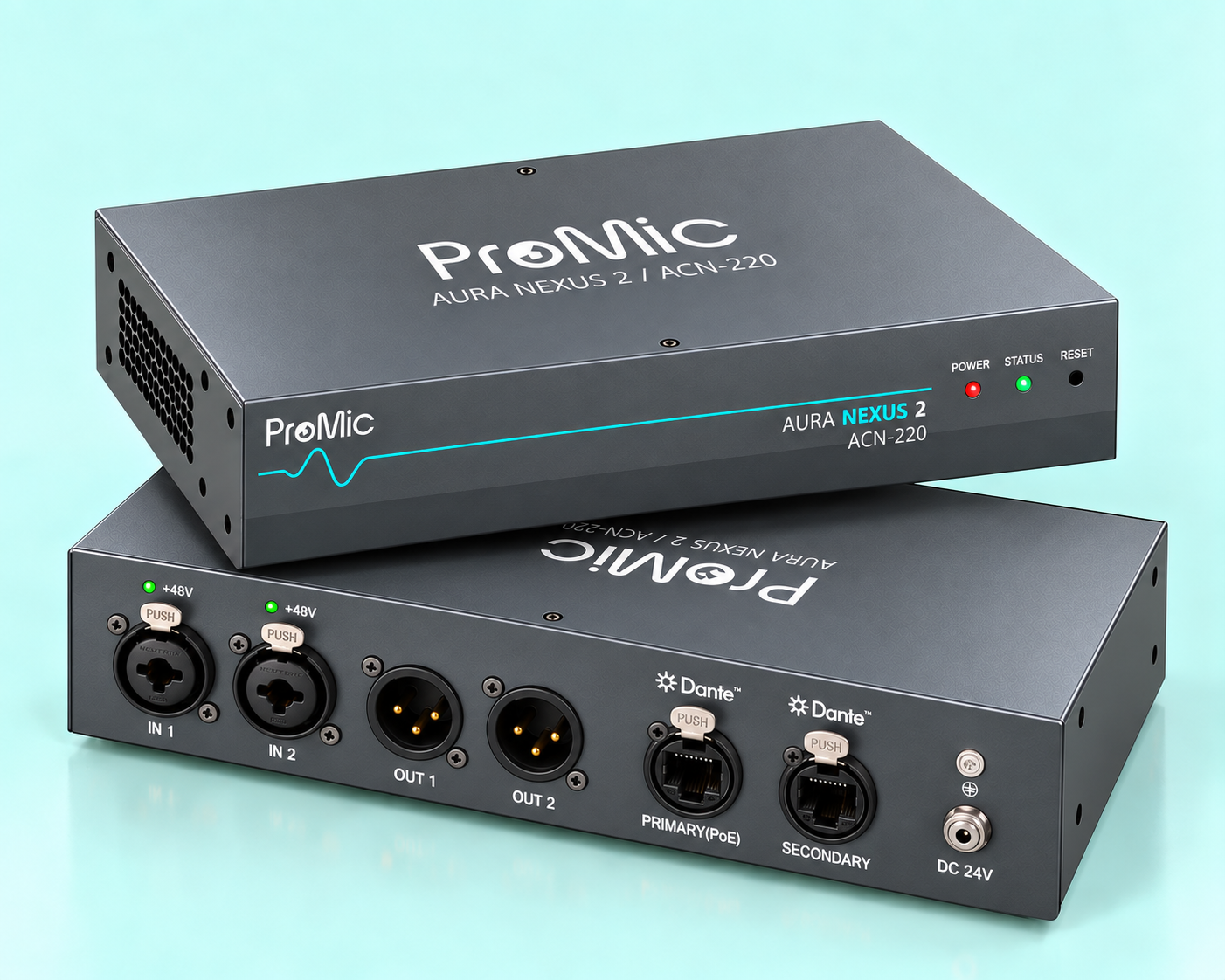
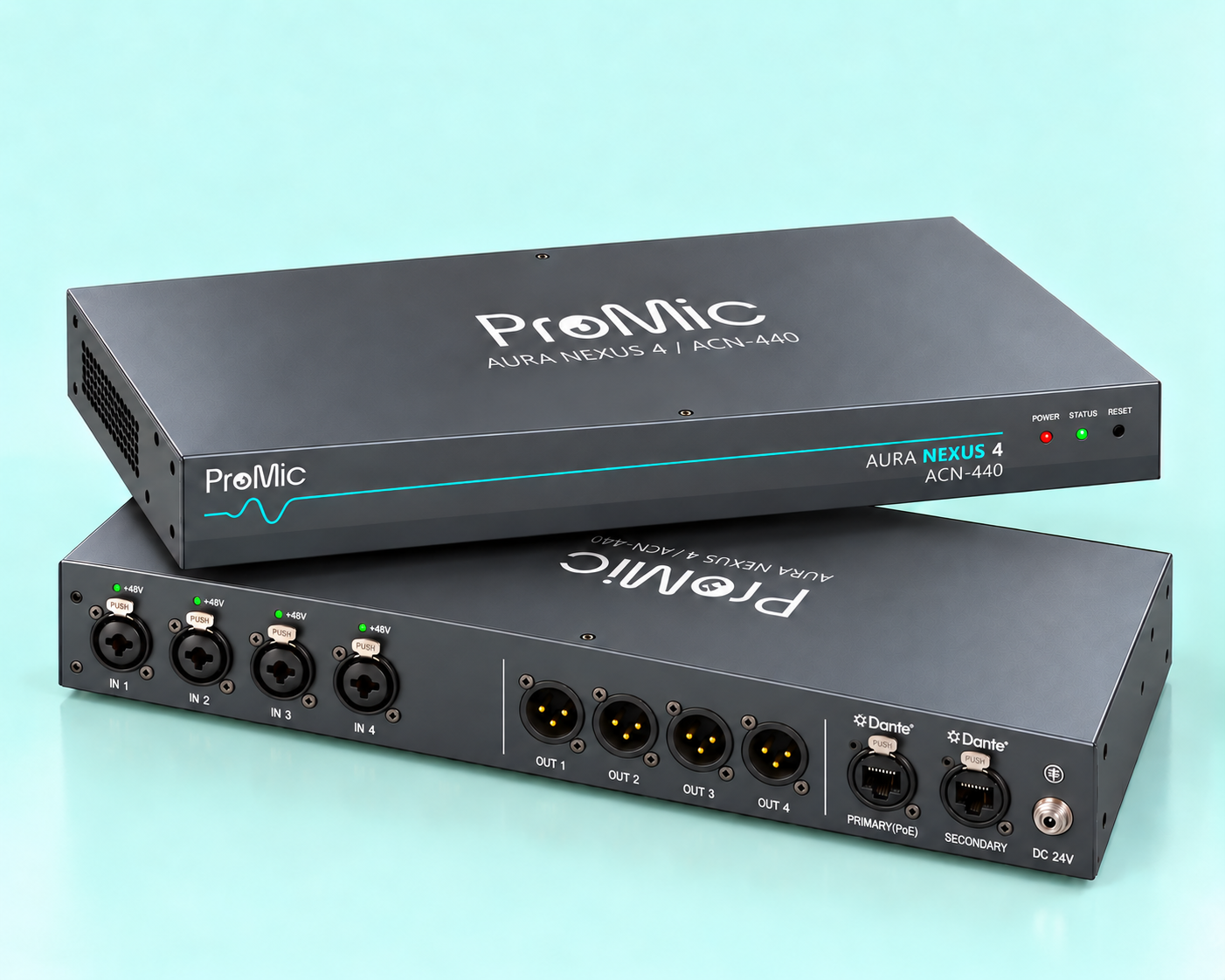
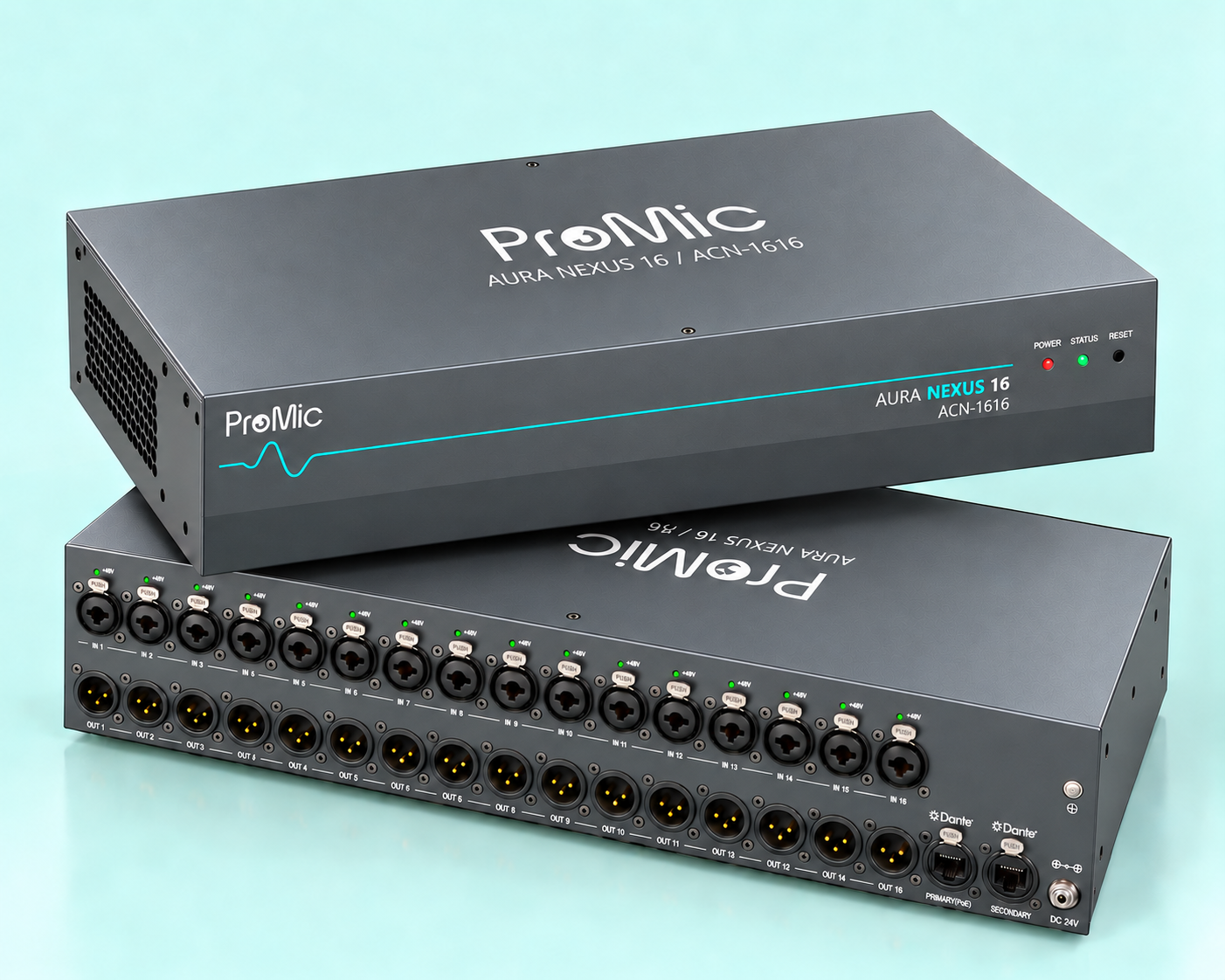
Configure the device.
Open the device IP address in a browser on the same network. Manage inputs, outputs, DSP, scenes and system settings.

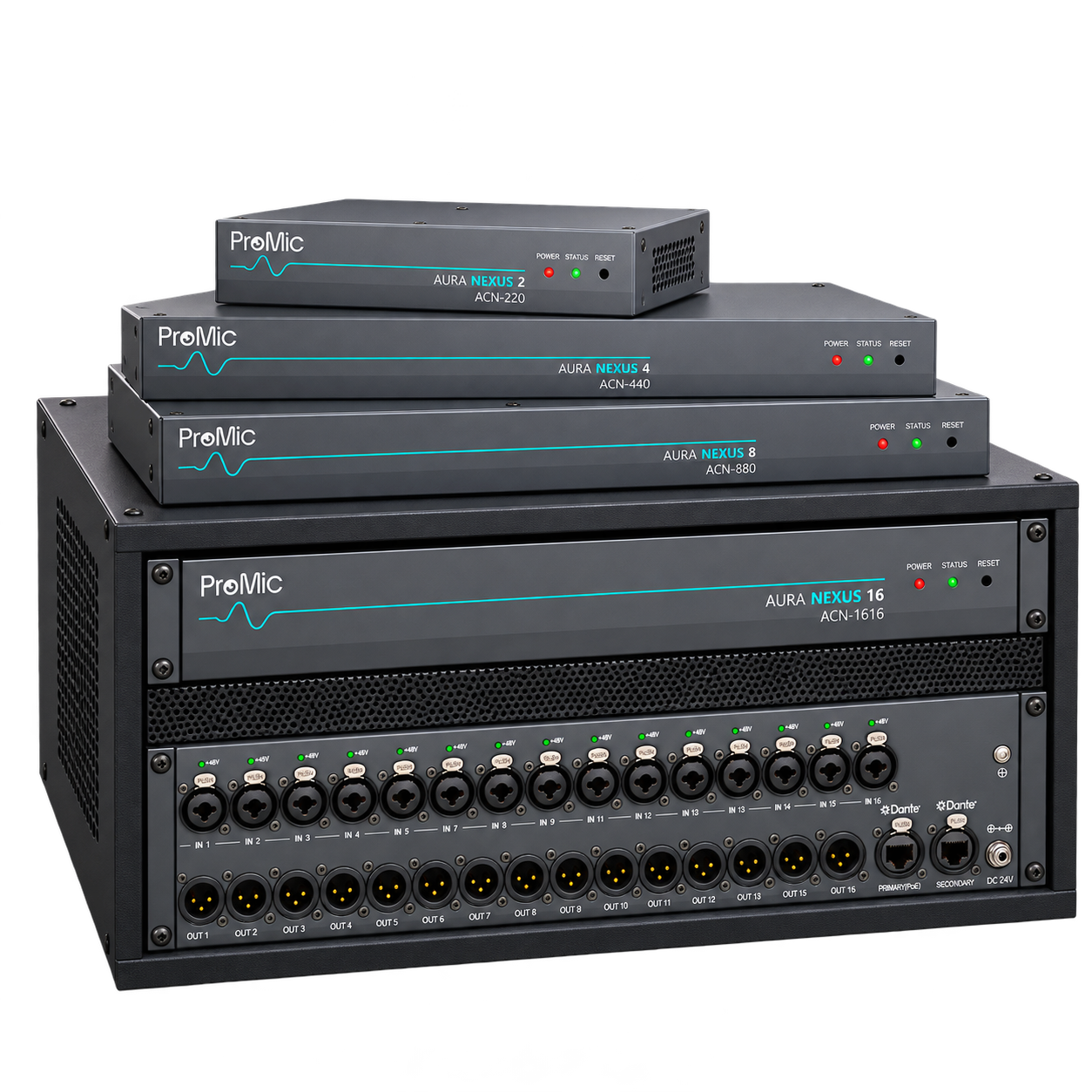
Network Audio & DSP
Connect local audio, shape every channel and manage the setup from your browser. NEXUS brings built-in DSP and embedded control to four analogue I/O configurations: 2×2, 4×4, 8×8 and 16×16.
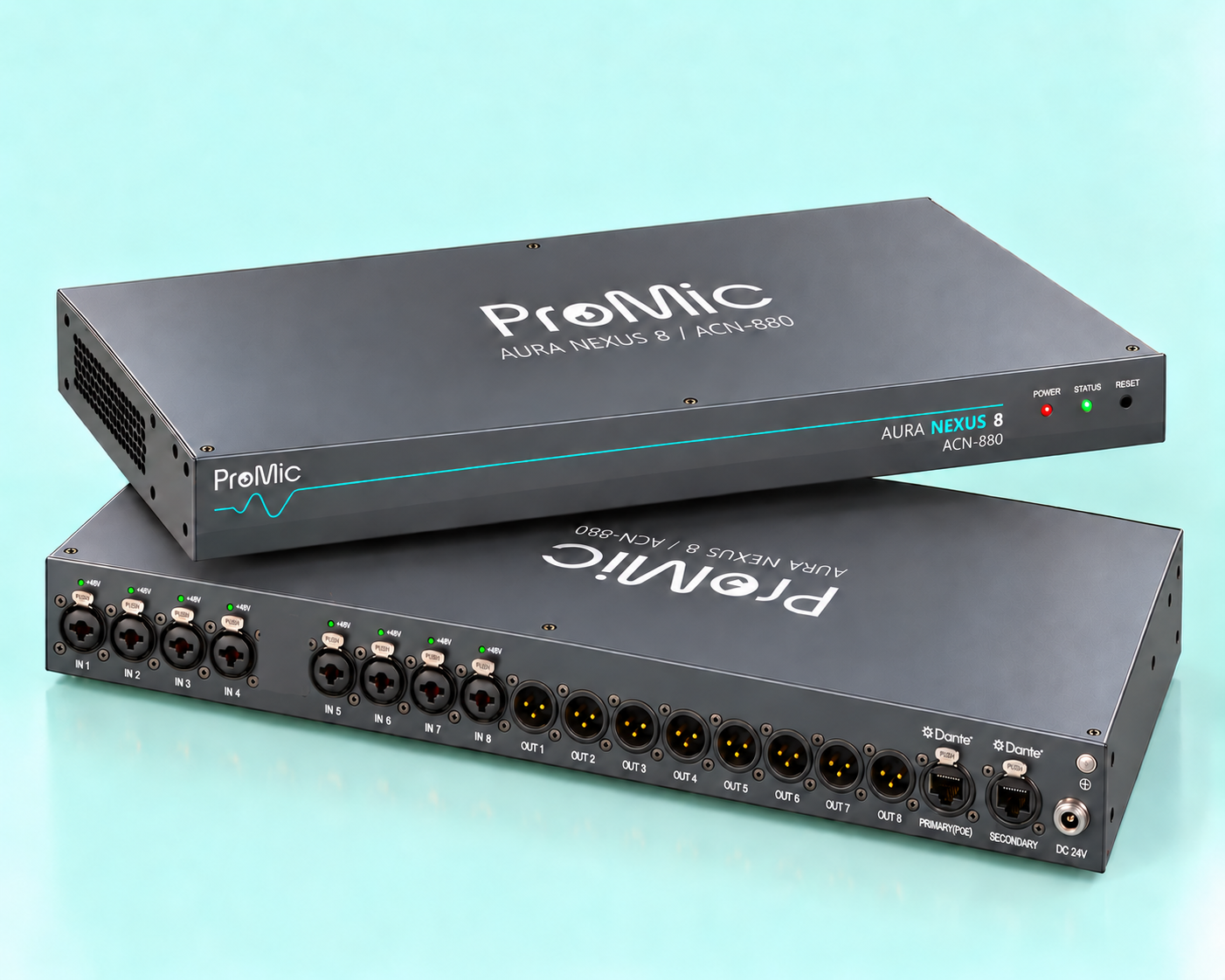
Process audio where you connect it.
Eight-band PEQ on every input and output, independent output delay up to 50 ms and five stored scenes. Configure these local functions through the embedded Web GUI; connect NEXUS to CORE FLEX or PRIME when your project needs central matrix processing.
Explore applicationsAURA NEXUS / BUILT-IN DSP
Local processing belongs at the point of connection. Every NEXUS model combines Dante connectivity with channel EQ, output alignment and browser-based device control.
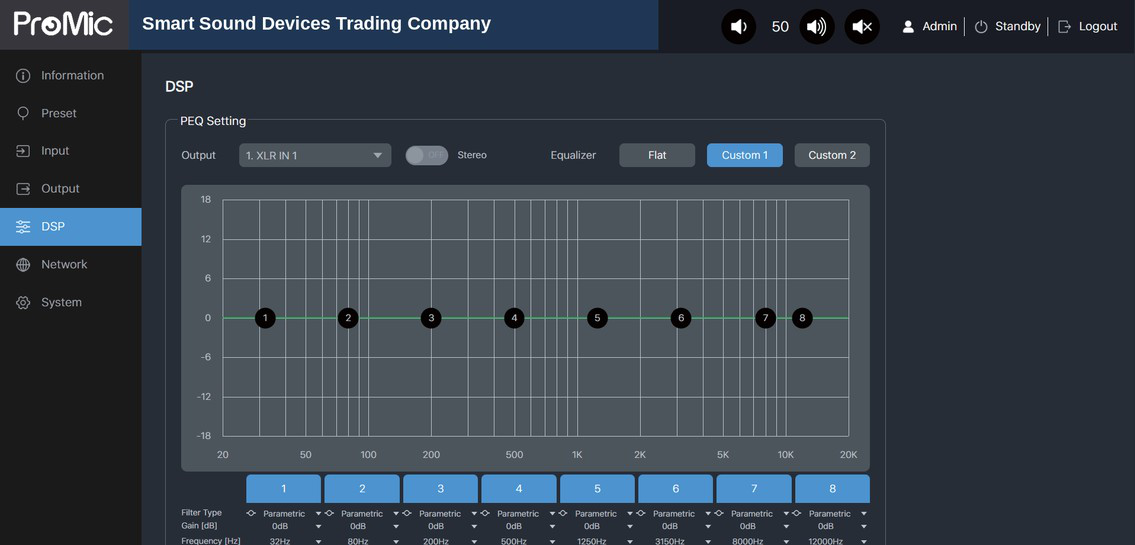
On each local input and output, with ±15 dB EQ gain and five filter types.
Independent output delay from 0 to 50 ms, separate from Dante network latency.
Five filter types
Link stereo pairs. Copy EQ between channels. Import and export PEQ settings.
EVERYDAY OPERATION
Five stored scenes make repeatable setups easy. Administrators configure the device; users recall scenes and adjust master volume and mute for the selected output group.
Scene recall excludes network settings. Full configuration backup and PEQ file transfer are separate tools.
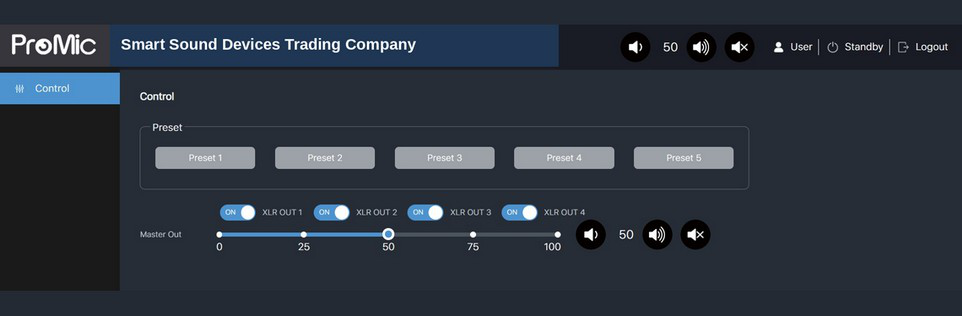
Open the device IP address in a browser on the same network. Manage inputs, outputs, DSP, scenes and system settings.
Use the separate Dante tool to discover the device, read its network information and configure Dante latency.
Documented ASCII commands expose levels, mute, EQ, delay and scenes to an external control system, with project-specific programming.
APPLICATIONS
Place near local microphones, players or line-level equipment. Configure channel EQ, phantom power and output delay in the embedded Web GUI; use Dante to connect the local I/O to the wider audio system.
Connect microphones and playback to Dante, shape their local channels with PEQ and align line-level output destinations.
Connect local mic/line sources, tune channels and store repeatable room settings for simple scene recall.
Distribute audio connections across lounges and dining areas, with local output EQ, delay and master volume control.
Place near local microphones, players or line-level equipment. Configure channel EQ, phantom power and output delay in the embedded Web GUI; use Dante to connect the local I/O to the wider audio system.
Network Audio & DSP
ACN-220
Dante audio I/O with built-in DSP and browser control.
Network Audio & DSP
ACN-440
Dante audio I/O with built-in DSP and browser control.
Network Audio & DSP
ACN-880
Dante audio I/O with built-in DSP and browser control.
Network Audio & DSP
ACN-1616
Dante audio I/O with built-in DSP and browser control.
PROMIC / AURA
Tell us about your spaces, sources and control needs.